

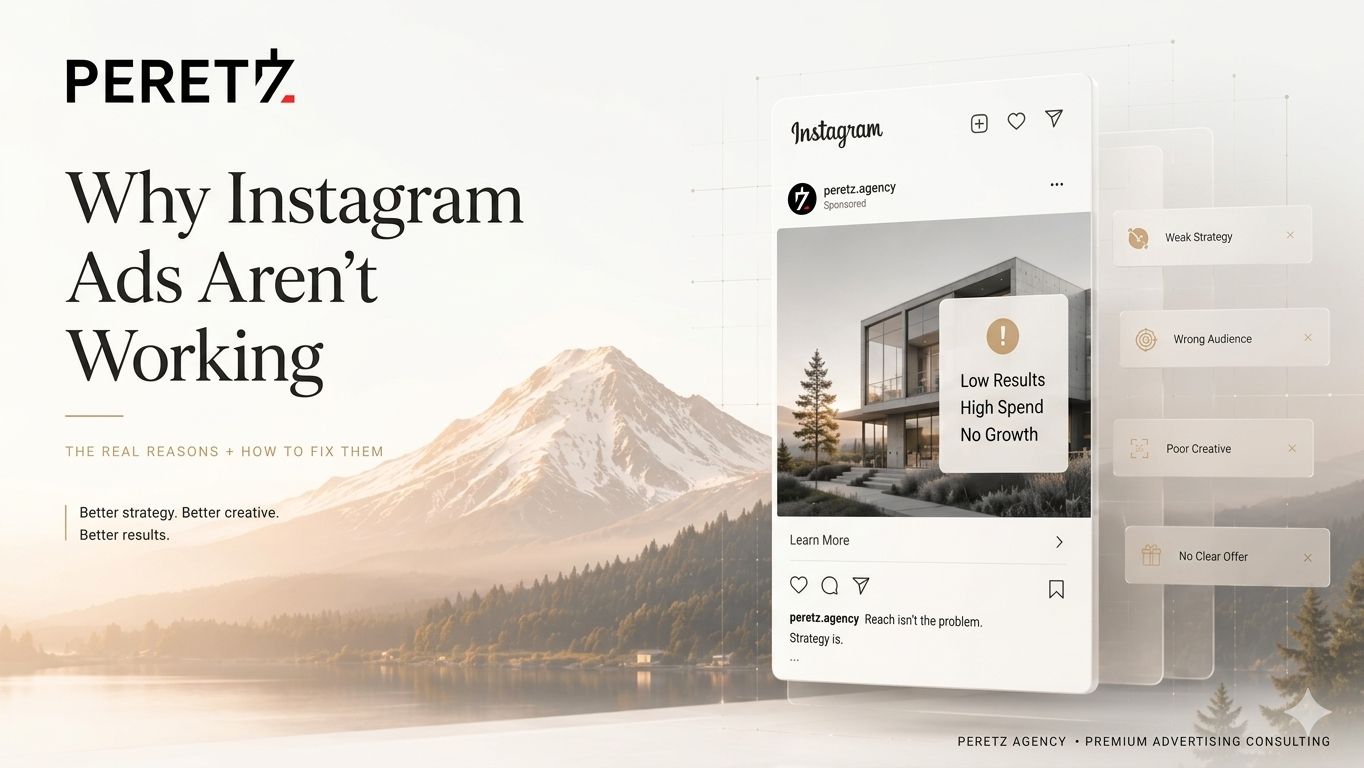
You set up your Instagram ads. You chose an audience, wrote copy, picked a photo, set a budget. You hit publish and waited for the leads to roll in. A week later: $600 spent, 4 link clicks, zero conversions.
Sound familiar? You're not alone — and you're not unlucky. You're likely making one (or several) of the same structural mistakes that quietly sink most Meta ad campaigns, regardless of industry or budget.
In this guide, I'll walk you through the 10 most common reasons Instagram and Facebook ads fail in 2026, explain what's actually happening under the hood of Meta's algorithm, and give you a concrete fix for each problem.
This article is written by Iryna Nechaeva, SMM Strategist and Targetologist at Peretz Agency. We manage Meta Ads campaigns for US and European clients across e-commerce, services, and B2B.
First: Understanding How Meta's Algorithm Works in 2026
Before we diagnose what's broken, you need to understand one fundamental shift in how Meta advertising works today.
In 2026, Meta's algorithm has become dramatically more sophisticated. It no longer relies primarily on your targeting settings to decide who sees your ad. Instead, it uses the creative itself as the main targeting signal. Meta reads your ad — the visual, the text, the hook, the offer — and decides who to show it to based on who has historically engaged with similar content.
What this means practically: your targeting is less important than your creative. A well-crafted ad shown to a broad audience will consistently outperform a mediocre ad shown to a laser-targeted audience. This is the single most important thing to understand about Meta advertising right now — and it's the root cause of most of the problems we'll cover below.
Key insight: Meta's algorithm needs creative quality + conversion data + enough budget to exit the learning phase. If any of these three are missing, your campaign will underperform no matter what you do with targeting.
This guide is specifically about paid Meta Ads. If you're also weighing whether organic social is worth the effort at all in 2026, we cover that separately in Is SMM Dead in 2026? And if organic growth specifically feels stuck, here are the ten most common reasons why.
The 10 Reasons Your Instagram Ads Aren't Working
BROKEN TRACKING
Reason 1: Broken or Missing Tracking (The #1 Silent Killer)
If Meta can't track what happens after someone clicks your ad, the algorithm is effectively flying blind. It can't learn who converts. It can't optimize delivery toward buyers. It just burns budget showing your ad to random people and hoping for the best.
This is the single most common cause of underperforming Meta campaigns — and most advertisers don't even know it's happening.
What's going wrong:
- Your Meta Pixel isn't installed correctly or isn't firing on the right pages
- You haven't set up the Conversions API (CAPI) — in 2026, browser-only tracking misses 20–40% of conversions due to iOS restrictions and ad blockers
- CAPI and Pixel are both firing, but you haven't deduplicated events — Meta is counting the same conversion twice, making your ROAS look worse than it is
- Your key conversion events (Purchase, Lead, Add to Cart) aren't verified in Events Manager
The Fix:
- Go to Meta Events Manager and check that your key events are firing in real time
- Install the Meta Pixel Helper Chrome extension and test every step of your conversion funnel
- Set up Conversions API — use native integrations (Shopify, WooCommerce) or Google Tag Manager server-side
- Use the event_id parameter to deduplicate Pixel + CAPI events
Pro tip: Before spending another dollar on ads, spend 30 minutes verifying your tracking is airtight. This alone can double your reported ROAS by surfacing conversions you were already getting but couldn't see.
CREATIVE NOT STOPPING SCROLL
Reason 2: Your Creative Isn't Stopping the Scroll
Meta's feed is one of the most competitive advertising environments on the planet. In 2026, the average US user scrolls through hundreds of pieces of content per session. Your ad has approximately 1.5 seconds to stop that scroll before it's gone forever.
Most Instagram ads fail this test before anyone reads a single word. Here's what kills scroll-stopping power:
- Leading with your logo and brand name (nobody cares in the first frame — they care about themselves)
- Using stock photos that look like stock photos — polished, generic, completely forgettable
- No movement, no pattern interrupt, nothing visually unexpected
- The first line of copy is your company name or a vague benefit statement
What works in 2026:
- UGC-style videos filmed on a phone — they look native, not like ads
- Opening with a problem statement the viewer is already thinking about
- Bold text overlay in the first frame that makes a specific, provocative claim
- Vertical 9:16 format optimized for Reels, Stories, and full-screen mobile placements
- Captions on all video content — 85% of mobile videos are watched with sound off
The rule of thumb: If your first frame could be mistaken for organic content, you're on the right track. If it looks like an ad from five feet away, refilm it.
WRONG CAMPAIGN OBJECTIVE
Reason 3: Wrong Campaign Objective
This is a structural mistake that wastes more money than almost anything else — and it's completely invisible in the results dashboard until you know what to look for.
Meta gives you a menu of campaign objectives: Awareness, Traffic, Engagement, Leads, Conversions, and more. If you select Traffic, Meta finds people who click links — not people who buy. If you select Engagement, Meta finds people who like, comment, and share — not people who fill forms or make purchases.
The mistake: choosing Traffic or Engagement because they're cheaper, then wondering why you have 800 link clicks and zero sales.
The fix: Match your objective to your actual business goal.
- Want sales? → Use Sales objective (Conversions / Purchase event)
- Want leads / form fills? → Use Leads objective
- Want app installs? → Use App Promotion objective
- Want brand awareness only? → Only then use Awareness or Engagement
Traffic campaigns are not a cheaper version of conversion campaigns. They're a completely different product that optimizes for a completely different behavior.
AUDIENCE TOO NARROW OR BROAD
Reason 4: Your Audience Is Too Narrow (or Too Broad)
The old Meta playbook was to stack interest layers, narrow down by demographics, exclude audiences, and build a precise 'ideal customer' profile. In 2026, this approach often hurts more than it helps.
Meta's algorithm has evolved. With Advantage+ Audiences, Meta now recommends starting broader and letting the algorithm find your converters based on actual conversion signals — not your assumptions about who your customer is.
Too narrow (the more common problem):
- Audience under 500K for a cold prospecting campaign
- Too many stacked interest filters
- Exclusion audiences overlapping with your target audience
- Custom audiences under 1,000 users
Too broad (also a problem):
- No geographic restriction when you're a local business
- No age/gender filter when your product is clearly demographic-specific
- No exclusion of existing customers from acquisition campaigns
2026 best practice: For cold prospecting, start with broad targeting (location + age/gender only) and let the algorithm find converters. Use creative and messaging to filter for the right customer, not audience settings.
CREATIVE FATIGUE
Reason 5: Creative Fatigue — The Slow Death
Your ad worked great for two weeks. Then results dropped. Then collapsed. You haven't changed anything. What happened?
Creative fatigue. It's the most predictable problem in paid social — and most advertisers don't diagnose it until they've lost significant budget.
Here's what's happening: your audience has seen the same ad too many times. Engagement drops, CTR falls, and Meta's algorithm interprets this as a signal that your ad is low quality. It starts showing it less, your CPM rises, and performance spirals.
Warning signs to watch for:
- Frequency above 3.5–4 in your ad set (how many times the average person has seen your ad)
- CTR dropping week over week with stable targeting
- CPM increasing without changes to bid strategy
- Engagement rate dropping (fewer likes, comments, shares)
The fix: Treat creative production as an ongoing system, not a one-time event. You should be refreshing ad creatives every 2–4 weeks and always have 3–5 creative variations running simultaneously in each ad set.
BUDGET TOO LOW
Reason 6: Budget Too Low to Exit the Learning Phase
Meta's algorithm needs data to optimize. Specifically, it needs roughly 50 conversion events per week per ad set to exit the Learning Phase and start delivering efficiently.
If your daily budget is $10–$15, you're collecting 1–2 conversion events per day at best. It will take 3–5 weeks to generate enough signal to optimize — by which time, you've either run out of patience or made edits that reset the learning phase back to zero.
What budget actually makes sense in 2026:
- For most US markets: minimum $30–$50/day per campaign to exit learning phase in 7–14 days
- For competitive industries (finance, healthcare, legal): $75–$150/day minimum
- For e-commerce with low order values: you may need $100+/day to make the math work
Reality check: If your product costs $50 and your target CPA is $20, but you're spending $15/day, you'll never get enough data to optimize. Consider increasing budget or starting with a higher-funnel objective (like Lead or Traffic) to collect cheaper events while building pixel data.
LANDING PAGE KILLING CONVERSIONS
Reason 7: Your Landing Page Is Killing Conversions
Your ad is not just the creative and copy in the feed. Your ad is the entire experience from the moment someone sees your post to the moment they complete (or abandon) your conversion goal. The landing page is part of your ad.
The most expensive mistake in Meta advertising: a compelling ad that sends traffic to a bad landing page. You pay for every click. A page that doesn't convert means you've bought traffic that disappears.
Landing page problems that destroy conversion rates:
- Page loads in more than 3 seconds on mobile — 53% of mobile visitors abandon pages that take longer
- The landing page doesn't match the ad's promise (different offer, different visual, different message)
- No clear CTA above the fold — visitors have to scroll to find out what to do
- The page asks for too much information too early (long forms on cold traffic)
- Not optimized for mobile — over 95% of Meta users access the platform on mobile
Quick test: Pull up your landing page on your phone with one hand while standing. If you can't find the CTA within 5 seconds and complete the form within 60 seconds, your page needs work.
NO RETARGETING STRUCTURE
Reason 8: No Retargeting Structure
97% of first-time visitors to your website don't convert on their first visit. If you're running only cold prospecting campaigns with no retargeting structure, you're paying to introduce yourself to people — and then never following up.
Retargeting is where the highest-ROI ad spend lives, and it's the layer most small businesses skip entirely.
A simple retargeting structure that works:
- 60% of budget: Cold prospecting (broad audiences, awareness + consideration creative)
- 30% of budget: Warm retargeting (website visitors, video viewers 50%+, Instagram engagers in last 90 days)
- 10% of budget: Hot retargeting (cart abandoners, product page viewers, email list)
Use different creative angles for each layer. Cold audiences need brand introduction and problem/solution framing. Warm audiences need social proof (reviews, testimonials, case studies). Hot audiences need urgency and objection-handling (shipping time, return policy, payment security).
BOOSTING POSTS INSTEAD OF ADS MANAGER
Reason 9: You're Boosting Posts Instead of Using Ads Manager
The 'Boost Post' button is Meta's most profitable product — for Meta. Not for you.
When you boost a post, you're limited to a tiny fraction of the targeting, objective, placement, and optimization options available in Ads Manager. Meta defaults boosted posts to Engagement objectives, which finds people who like and comment — not people who buy. You have no control over placements, bid strategy, creative testing, or conversion optimization.
The rule is simple: never boost a post. Always build your campaigns inside Meta Ads Manager. It takes 15 extra minutes and gives you 10x more control over where your money goes.
CHANGING TOO FREQUENTLY
Reason 10: You're Making Changes Too Frequently
Every time you make a significant change to an ad set — audience, budget, creative, bid strategy — Meta resets the Learning Phase. The algorithm has to start from scratch collecting conversion data. If you're checking your campaigns daily and tweaking targeting or pausing underperforming ads every 48 hours, you're constantly resetting your campaigns before they've had a chance to learn.
The discipline required for effective Meta advertising:
- Let new campaigns run for at least 7 days (ideally 14) before evaluating performance
- Don't make significant edits during the learning phase
- When testing, test one variable at a time (creative, audience, or offer — not all three simultaneously)
- Use Campaign Budget Optimization (CBO) and let Meta allocate budget across ad sets rather than managing it manually
The hardest part of Meta advertising isn't setup. It's patience. The algorithm rewards advertisers who give it time to learn and don't panic-edit campaigns after 3 days.
Quick Diagnostic Checklist
Before adjusting any live campaign, run through this checklist:
|
Problem |
Root Cause |
Fix |
|
Low ROAS / no conversions |
Broken tracking (Pixel/CAPI) |
Verify Events Manager, set up CAPI |
|
Zero impressions |
Ad rejected or audience too narrow |
Check policy compliance, broaden audience |
|
High CPM, low reach |
Narrow targeting or low bid |
Broaden audience, switch to Highest Volume bid |
|
Clicks but no conversions |
Bad landing page |
Test page on mobile, match ad promise to page |
|
Good week 1, bad week 3 |
Creative fatigue |
Rotate creatives, target frequency <3.5 |
|
Learning Limited status |
Budget too low / too many ad sets |
Consolidate ad sets, increase daily budget |
|
High traffic, zero sales |
Wrong campaign objective |
Switch to Sales/Conversions objective |
What Good Meta Ads Management Actually Looks Like
Running profitable Meta ads in 2026 requires managing all of these moving parts simultaneously: tracking infrastructure, creative production pipeline, campaign structure, bidding strategy, landing page quality, and ongoing optimization.
Most business owners are experts in their business — not in Meta's ad auction mechanics. That's not a failure. It's just a different skill set. The question is whether the cost of learning it yourself (in time, failed campaigns, and wasted budget) is less than the cost of hiring someone who already knows it.
We keep the number of accounts each targetologist manages deliberately limited, for the reason we wrote about in Marketing Agency Burnout Is a Business Risk: a stretched-thin specialist misses the exact details, tracking gaps, creative fatigue signals, this article is about.
At Peretz Agency, our targetologists manage the full Meta ads cycle:
- Pixel and Conversions API setup and audit
- Campaign structure build (prospecting + retargeting)
- Creative briefing and production (static, video, UGC-style)
- A/B testing framework — creative, audience, and offer testing
- Budget allocation and bid strategy optimization
- Weekly performance reporting with actual business metrics
Running Meta ads and not sure why they're underperforming? Contact us at hello@peretz.agency for a free ads audit — we'll tell you exactly what's broken and how to fix it.
FAQ
Frequently Asked Questions
How long should I run ads before judging results?
At minimum 7 days, ideally 14 days before drawing conclusions about a new campaign. Meta's Learning Phase requires approximately 50 conversion events per ad set per week to optimize effectively. Campaigns judged at 48–72 hours are almost always judged prematurely.
My ads are getting likes and comments but no sales — why?
Almost certainly a campaign objective problem. If you're seeing high engagement with low conversions, you're running an Engagement or Traffic objective and Meta is sending you people who interact with content — not people who buy. Switch to a Conversions/Sales objective with your Purchase or Lead event as the optimization goal.
How much should I spend to test a new campaign?
A realistic test budget for a new campaign in the US market is $500–$1,500 over 14–21 days. This gives the algorithm enough budget to generate sufficient conversion data to optimize and gives you statistically meaningful results to analyze.
Should I use Advantage+ or manual targeting?
For most campaigns in 2026, Advantage+ Audiences (Meta's AI-driven targeting) outperforms heavy manual targeting, especially for cold prospecting. Start broad, let Meta find your converters, and use your creative to signal who your ideal customer is. Reserve tighter manual targeting for specific retargeting scenarios.
None of this works without the strategic layer underneath it, see what a real social media strategy actually is before the next campaign goes live.
If the ads bring clicks but not leads, the cause is often not the campaign but the page the ad sends people to. A usability audit shows where visitors drop off, and when the page has to be rebuilt, the next step is usually a landing page built around one offer.
Not sure which of these 10 is actually your problem? A Strategic Session includes a live audit of your Meta Events Manager, campaign structure, and creative, so you get a real diagnosis instead of another guess.
Want an agency team already running full-cycle Meta Ads management?
- Share
-

-

-

-

Related Reading
-
18. 06. 2026
How Much Does a Website Cost in Bellevue WA in 2026?

-
15. 06. 2026
How Much Does a Website Cost in Seattle in 2026?
-
06. 04. 2021
How to Rank Your Google Business Profile Higher in 2026 (Without Paying for Ads)
-
20. 06. 2026
SMM Agency vs Freelancer: What's Better for a Small Business in 2026?
-
23. 06. 2026
Why Most Businesses Are Using AI Wrong in Marketing — And It's Killing Their Conversions
-
26. 06. 2026
How to Build a Social Media Strategy That Actually Generates Leads
-
02. 07. 2026
TikTok vs Instagram for Small Business in 2026: What the Data (and My Clients) Actually Show
-
27. 07. 2026
Why Your Instagram Isn't Growing in 2026 (10 Fixes)
-
28. 07. 2026
Why Your Cost Per Lead Keeps Going Up in 2026 (10 Fixes)
-
07. 08. 2026
Campaign Budget Optimization Is a Governance Decision, Not a Toggle
-
07. 08. 2026
Your Meta Spending Limit Is a Circuit Breaker, Not a Setting
-
08. 08. 2026
Meta Quietly Rewired How It Collects Money From Advertisers in 2026
-
07. 09. 2026
What Is a Social Media Strategy and Why Does a Business Actually Need One?