


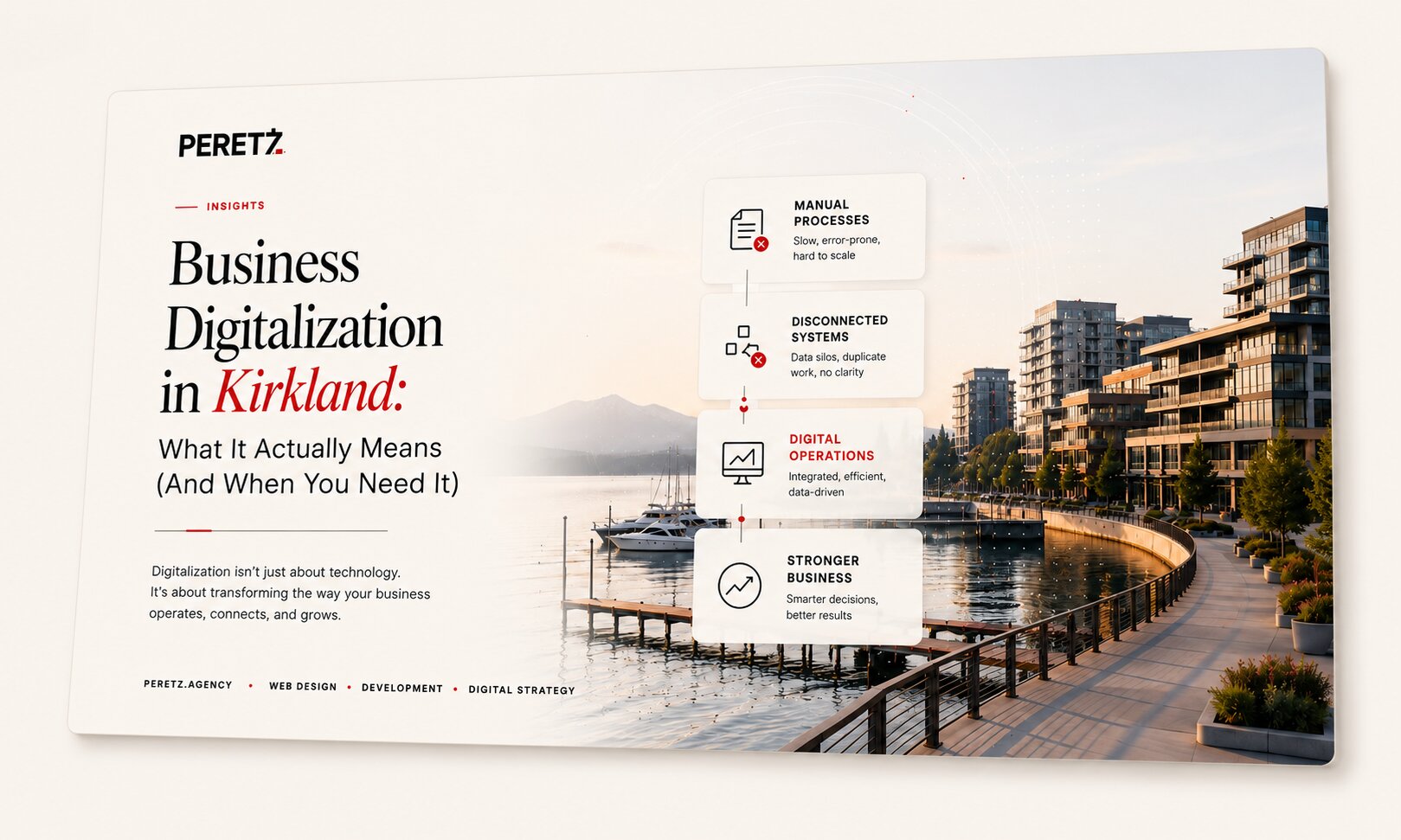
Kirkland sits in the middle of one of the most tech-dense corridors in the country — minutes from Google's Kirkland campus, a few exits from Microsoft, and home to a growing base of mid-size companies that don't have an in-house engineering team but compete daily with businesses that do. For a lot of Kirkland and Eastside companies, the gap isn't ambition. It's that the day-to-day still runs on spreadsheets, email threads, and manual handoffs between tools that were never built to talk to each other.
That gap is what "business process automation" and "digitalization" are supposed to close. But both terms get thrown around loosely, so it's worth being precise about what they actually involve before deciding whether — and where — your business needs them.
What Business Process Automation and Digitalization Actually Mean
Digitalization isn't about buying more software, and automation isn't about replacing your team. It's the process of moving manual, paper-based, or disconnected workflows into systems that are built around how your business actually operates — custom software, automated processes, and integrations between the platforms you already rely on.
In practice, this usually looks like:
- Replacing manual data entry with automated workflows
- Connecting tools that currently require copy-pasting information between them
- Building internal dashboards that show real-time data instead of weekly manual reports
- Automating repetitive approval chains, order processing, or customer onboarding steps
- Centralizing scattered data into one system your team can actually trust
None of this requires ripping out everything you use today. The goal is removing the friction points costing your team the most time, not digitalization for its own sake.
Signs Your Business Is Ready for It
A few patterns show up consistently in companies that are overdue for digitalization:
Someone on your team is the "human API." If a specific person manually moves data between your CRM, your accounting software, and a spreadsheet every week, that's a workflow waiting to be automated.
Decisions wait on reports that take days to compile. If leadership is making calls based on data that's a week old because someone has to manually pull it together, you're losing decision-making speed to a process problem, not a strategy problem.
Growth is creating more manual work, not less. Scalable businesses see new customers, orders, or projects add marginal manual overhead. If every new client adds the same amount of admin work as the last one, your systems aren't keeping pace with your growth.
Your tools don't talk to each other. Most businesses don't have a software problem — they have an integration problem. The CRM, the accounting platform, the project management tool, and the website all work fine individually. They just don't share data.
Why This Matters More for Companies on the Eastside
Kirkland and the broader Eastside market — Bellevue, Redmond, Seattle — has a specific dynamic: a high concentration of tech-literate customers and competitors, alongside a large base of established businesses (professional services, healthcare, real estate, logistics, retail) that were built before "digital-first" was a baseline expectation.
That combination raises the bar. Customers in this market expect fast, accurate, low-friction experiences because that's what they get from every tech company around them. A business running on manual processes isn't just slower internally — it's visibly slower to the people it's trying to serve.
Not sure where your business stands? Talk to us about a process review →
What a Digitalization Project Actually Looks Like
A typical engagement starts with mapping your current processes, not your current software. The goal is finding where manual work creates the most friction or cost, then prioritizing fixes based on impact versus effort — not digitalizing everything at once.
From there, the work usually falls into one of three categories:
- Integration — connecting your existing tools so data moves automatically instead of through manual re-entry
- Automation — replacing repetitive manual steps (approvals, notifications, data syncing) with rules-based workflows
- Custom software — building a tool from scratch when your process is specific enough that no off-the-shelf platform fits cleanly
Most projects involve a mix of all three. A company might need a custom internal tool for one core process, while a handful of integrations and automations handle everything around it. For companies that need dedicated engineering capacity to execute on this without pulling internal staff off other priorities, this is often paired with IT outsourcing or outstaffing — bringing in a dedicated team or specialists for the duration of the build.
Starting Small Is the Right Approach
The biggest mistake in digitalization projects is treating it as an all-or-nothing initiative. The companies that get the most value start with the single process causing the most pain — usually something specific enough to fix in a few weeks — and expand from there once the first win is visible.
That approach also keeps cost proportional to value. A focused automation project might take 3 to 4 weeks. A broader initiative touching multiple processes takes longer, but you're not committing to that scope on day one.
Where This Leads
If your team is still the glue holding disconnected systems together, that's not a people problem — it's a process problem with a fixable cause. The companies in Kirkland and across the Eastside that move fastest aren't necessarily the ones with the biggest budgets. They're the ones who stopped treating manual workarounds as permanent.
We work with Kirkland and Eastside businesses to map existing processes, identify where digitalization will have the most impact, and build the integrations, automation, or custom software to make it happen — without disrupting what's already working.
FAQ
Frequently Asked Questions
How long does a digitalization project take?
It depends on scope. A single automated workflow or integration might take 3 to 4 weeks. A broader initiative touching multiple processes can take several months — most teams start with one focused fix rather than committing to everything at once.
Do we need to replace our current software?
Usually not. Most digitalization projects connect and automate the tools you already use rather than ripping them out. Custom software only makes sense when no existing platform fits your specific process.
What's the difference between automation and custom software?
Automation replaces repetitive manual steps — approvals, notifications, data syncing — with rules-based workflows inside tools you already have. Custom software is built when your process is specific enough that no off-the-shelf platform handles it cleanly.
How do we know where to start?
Start with the process causing your team the most friction or wasted time — usually something specific enough to map and fix in a few weeks. A short discovery phase is normally enough to identify it and prioritize next steps.
See our Business Digitalization service →
Need extra engineering capacity to execute the build itself?
which CRM actually fits your process, not just the biggest name.
Explore our IT Outsourcing & Outstaffing service →
LavShash is a recent example of exactly this kind of digitalization project.
For how digitalization fits into the bigger picture, see digital architecture.
- Share
-

-

-

-

Related Reading
-
15. 06. 2026
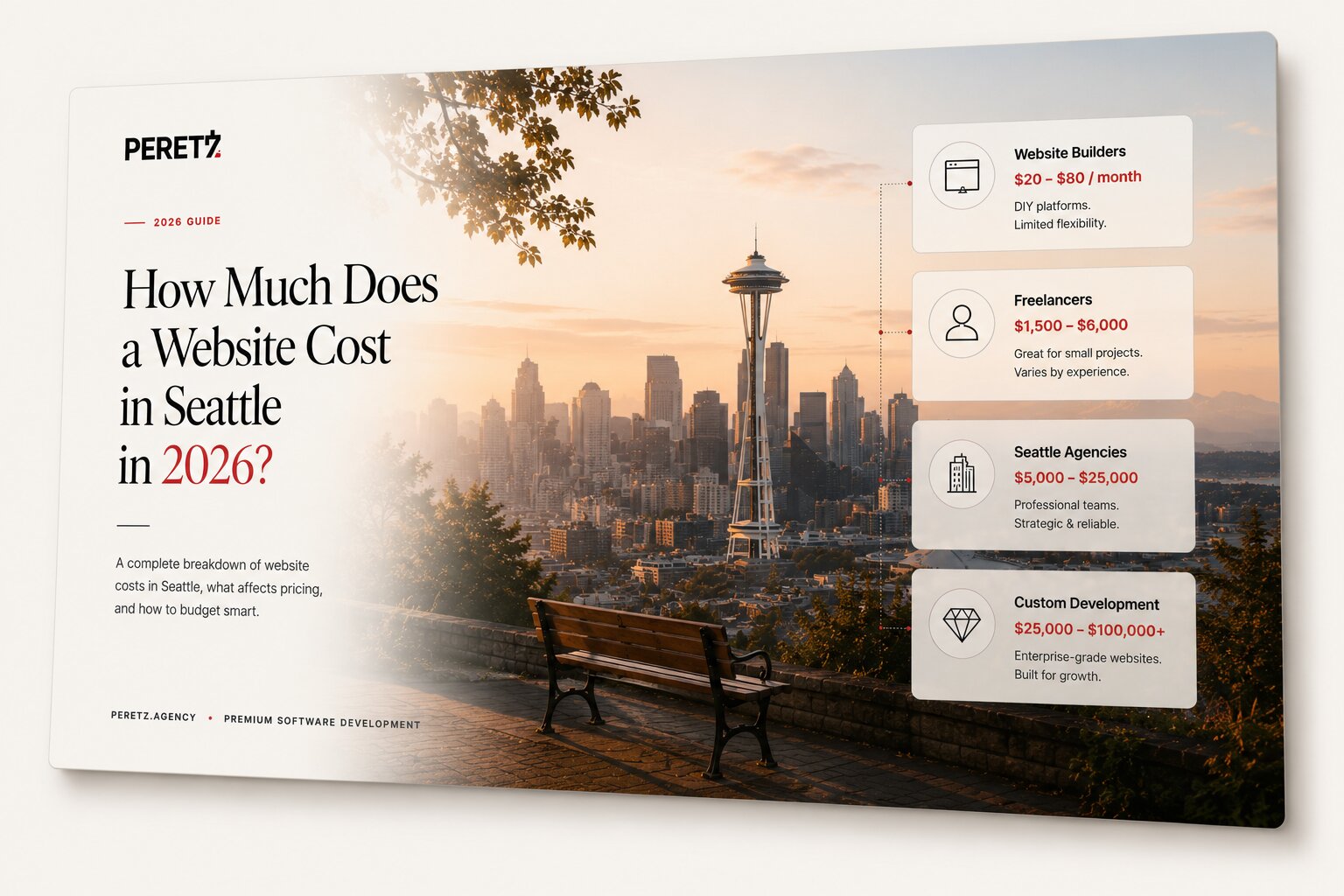
How Much Does a Website Cost in Seattle in 2026?

-
06. 04. 2021
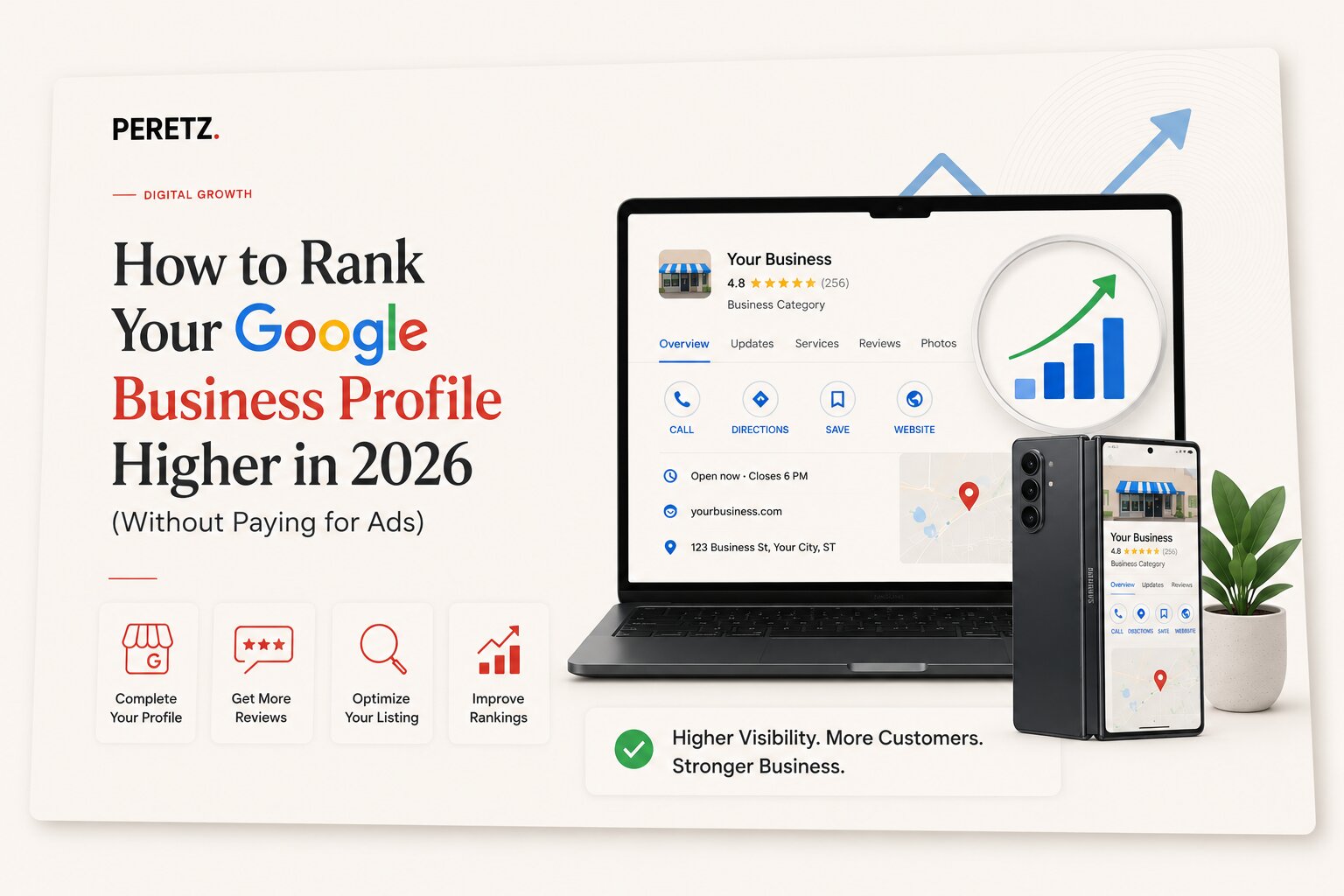
How to Rank Your Google Business Profile Higher in 2026 (Without Paying for Ads)
-
19. 06. 2026

How Much Does Social Media Management Cost in the US in 2026?
-
01. 02. 2021
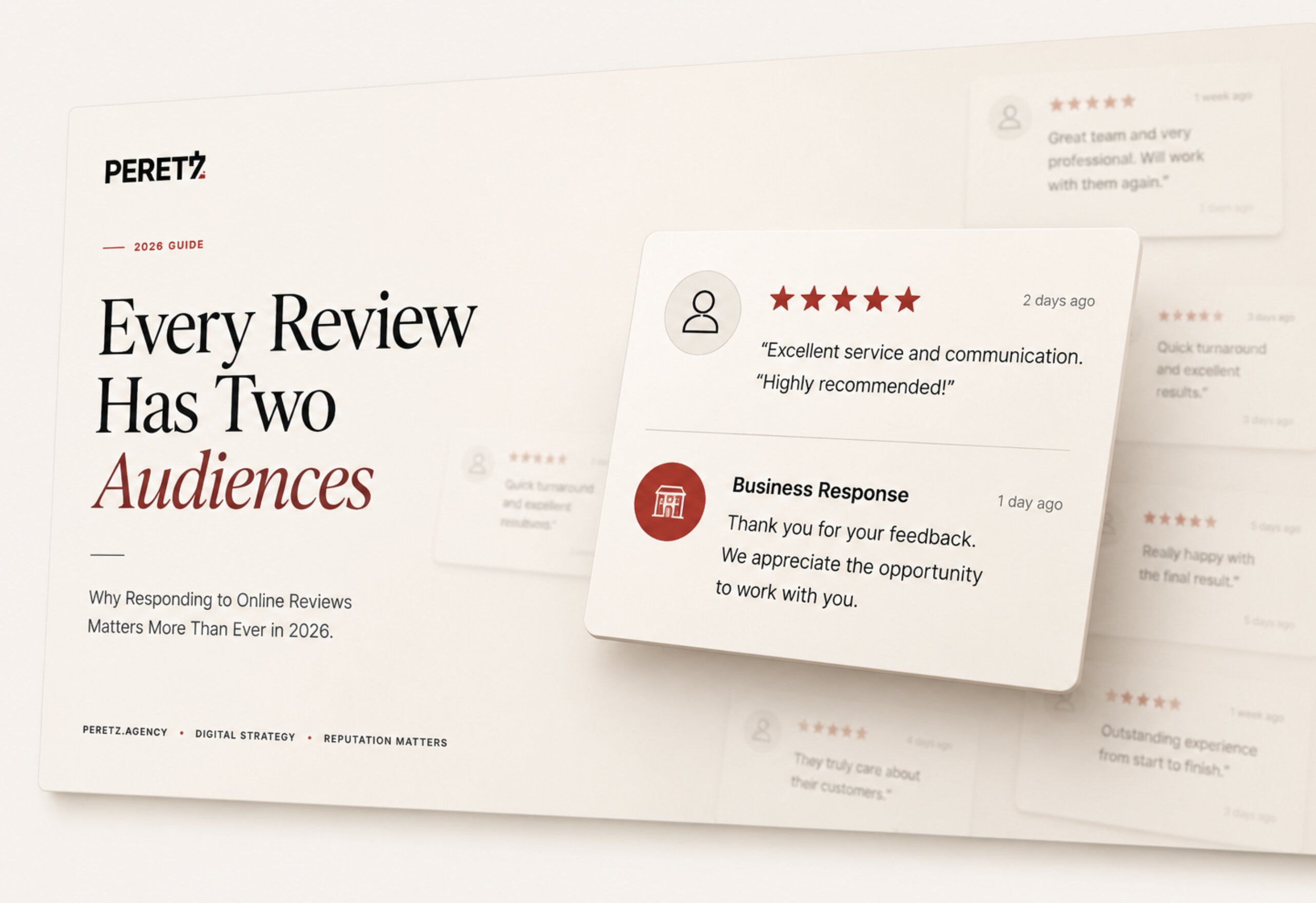
Why Responding to Online Reviews Matters in 2026 — And How to Do It Right
-
18. 06. 2026
How Much Does a Website Cost in Bellevue WA in 2026?
-
10. 09. 2026
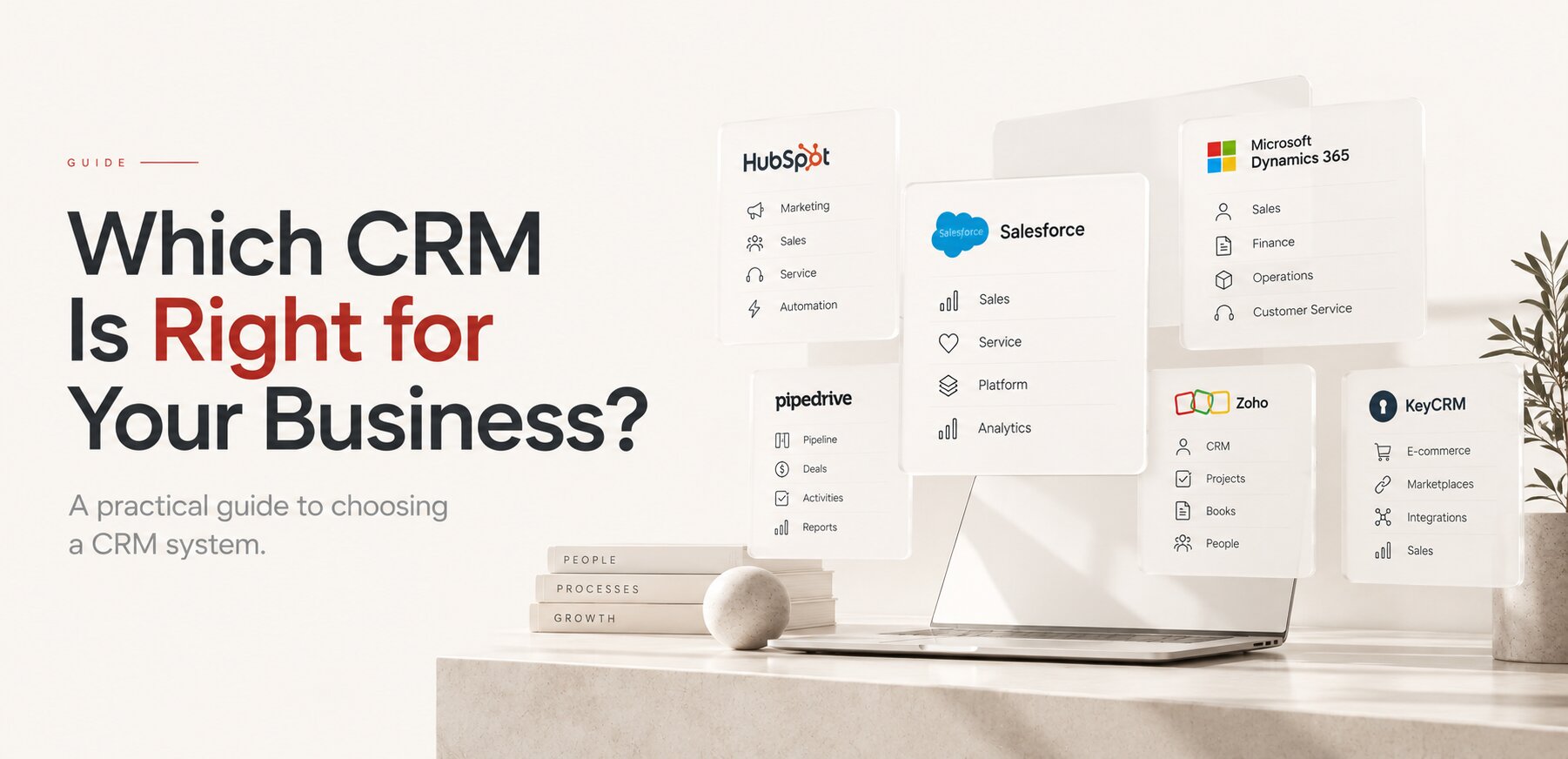
Which CRM Is Right for Your Business? A Practical Guide to Choosing a CRM System
-
11. 09. 2026
Digital Architecture: How to Build a System That Can Grow With Your Business